Set-up Magento Module
Front-Commerce supports several Magento2 B2B features. This guide explains how to configure and use the B2B module.
Here is the list of currently supported features:
- Display details of the Company a customer belongs to
- Company users handling (list, create, modify and deactivate company users)
- Payment on account payment method
- Display company credit history
- Requisition list
- Negotiable quotes (require Adobe Commerce 2.4.5+)
Those features are only available with Adobe Commerce and its B2B module and require at least Adobe Commerce 2.4.3.
Enable B2B support
Requirements
On Magento2 side, you need to install the Front-Commerce Magento2 Commerce module.
You must then install the
front-commerce/magento2-b2b-module-front-commerce
module:
composer config repositories.front-commerce-magento2-b2b git \
    git@gitlab.blackswift.cloud:front-commerce/magento2-b2b-module-front-commerce.git
composer require front-commerce/magento2-b2b-module

bin/magento setup:upgrade
We recommend to use a specific version of this module and not to blindly rely on the latest version.
Magento2 Commerce module installation
You need to install the
front-commerce/magento2-commerce-module module:
composer config repositories.front-commerce-magento2-commerce git \
    git@gitlab.blackswift.cloud:front-commerce/magento2-commerce-module-front-commerce.git

composer require front-commerce/magento2-commerce-module

php bin/magento setup:upgrade
We recommend to use a specific version of this module and not to blindly rely on the latest version.
Negotiable quotes
In order to use Front-Commerce's Negotiable quotes module, you will need to enable the feature in your Magento back office. Please note that you'll need an Adobe Commerce B2B version >= 2.4.5.
Navigate to Stores > Configuration > General > B2B Features, and set both
Enable Company and Enable B2B quote to Yes.
Quotes also have to be enabled per-company. To do so, navigate to a company's
settings (Customers > Companies, then open a company), and under
Advanced settings switch Allow Quotes on.
Negotiable quotes are only available to users that have a Company with Quotes enabled. More in Adobe documentation.
That's it, you should now be able to use Adobe Commerce's Negotiable quotes with Front-Commerce!
Known issues
Bundle products can't be used in requisition lists
Due to an issue (documented below) with Adobe B2B GraphQL layer, we don't recommend to use Requistion List with bundle items with the default Adobe B2B codebase. Please contact your Adobe support team if you plan to use this feature.
Reproduction details and technical insights
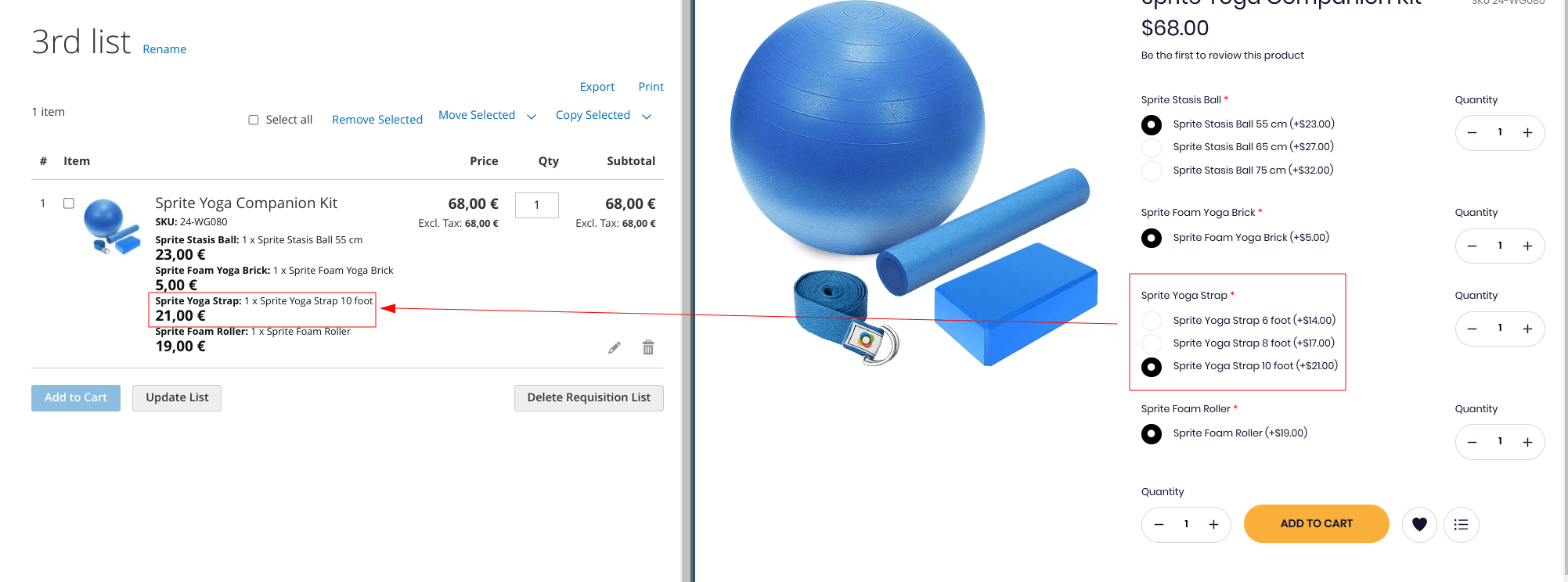
The issue can be reproduced by not selecting the first value for the first option of the bundle. It's related to Magento GraphQL layer, because:
-
it can be reproduced when reading a requisition list whose item was added from the Magento frontend
-
when a requisition list is broken, the standard Magento frontend displays the correct value
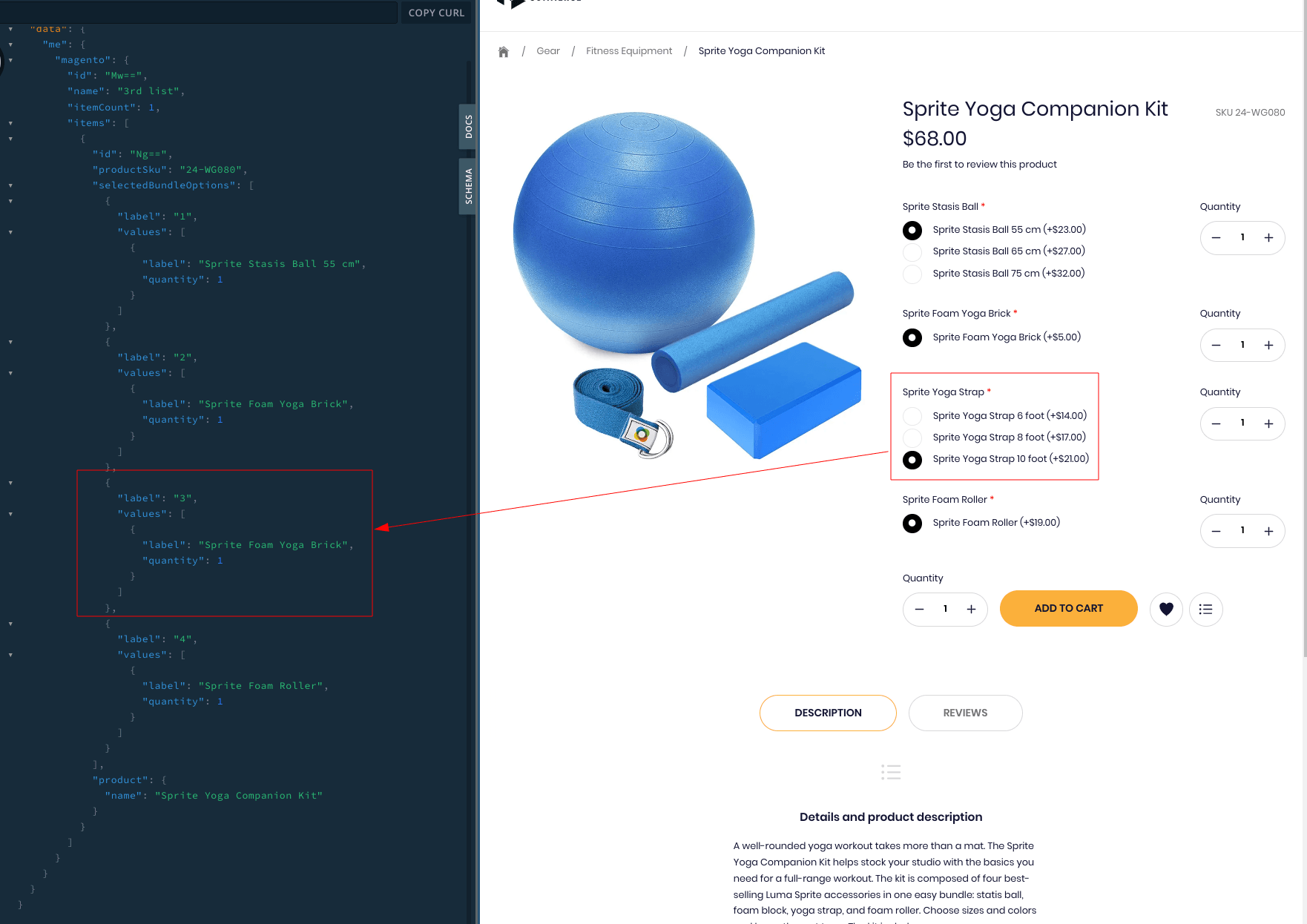
When the first choice is selected for the first option, the requisition list can be read but has inconsistent data: the "non-first" option having a "non-first" choice will be resolved as the previous option. E.g: "Sprite Foam Yoga Brick" is returned instead of "Sprite Yoga Strap 10 foot"):
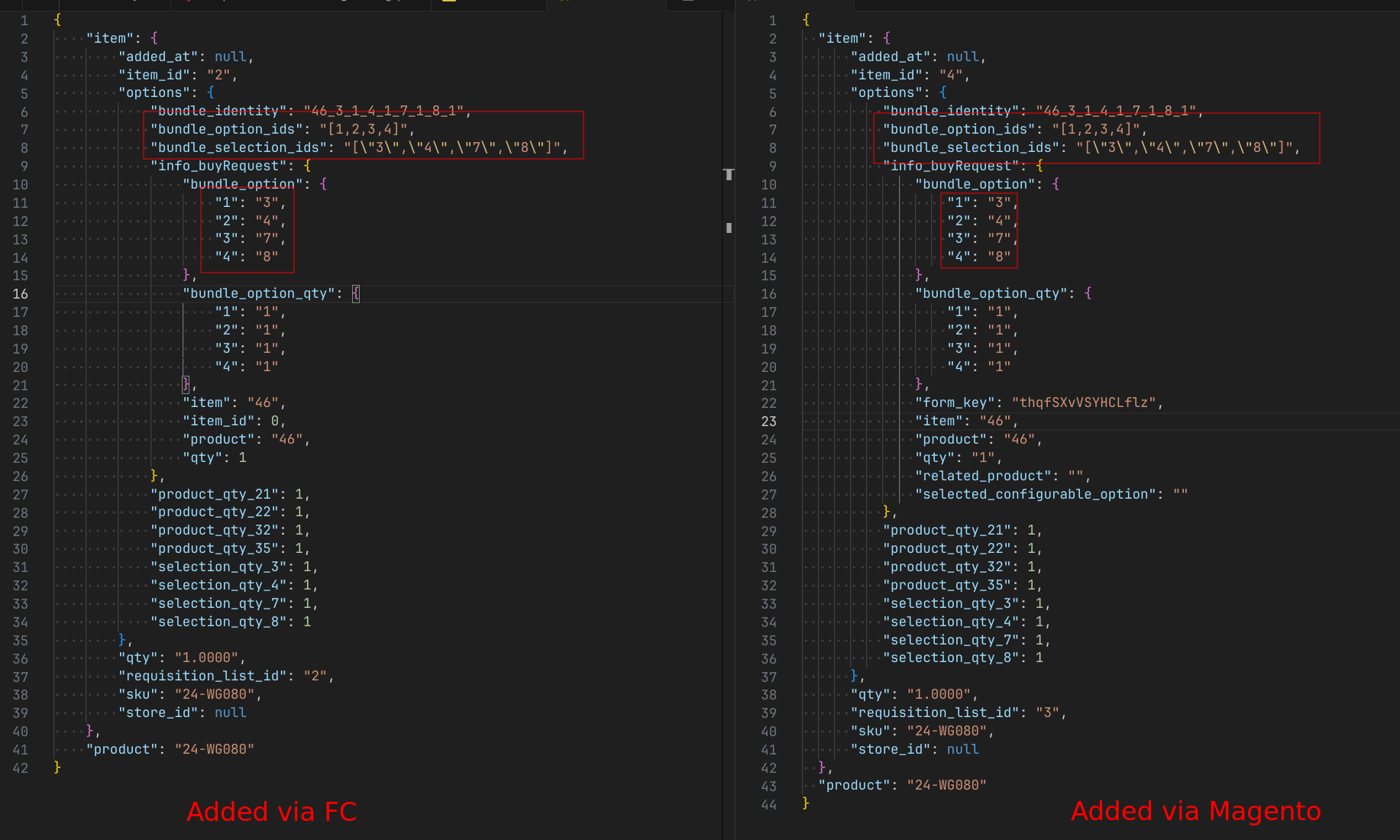
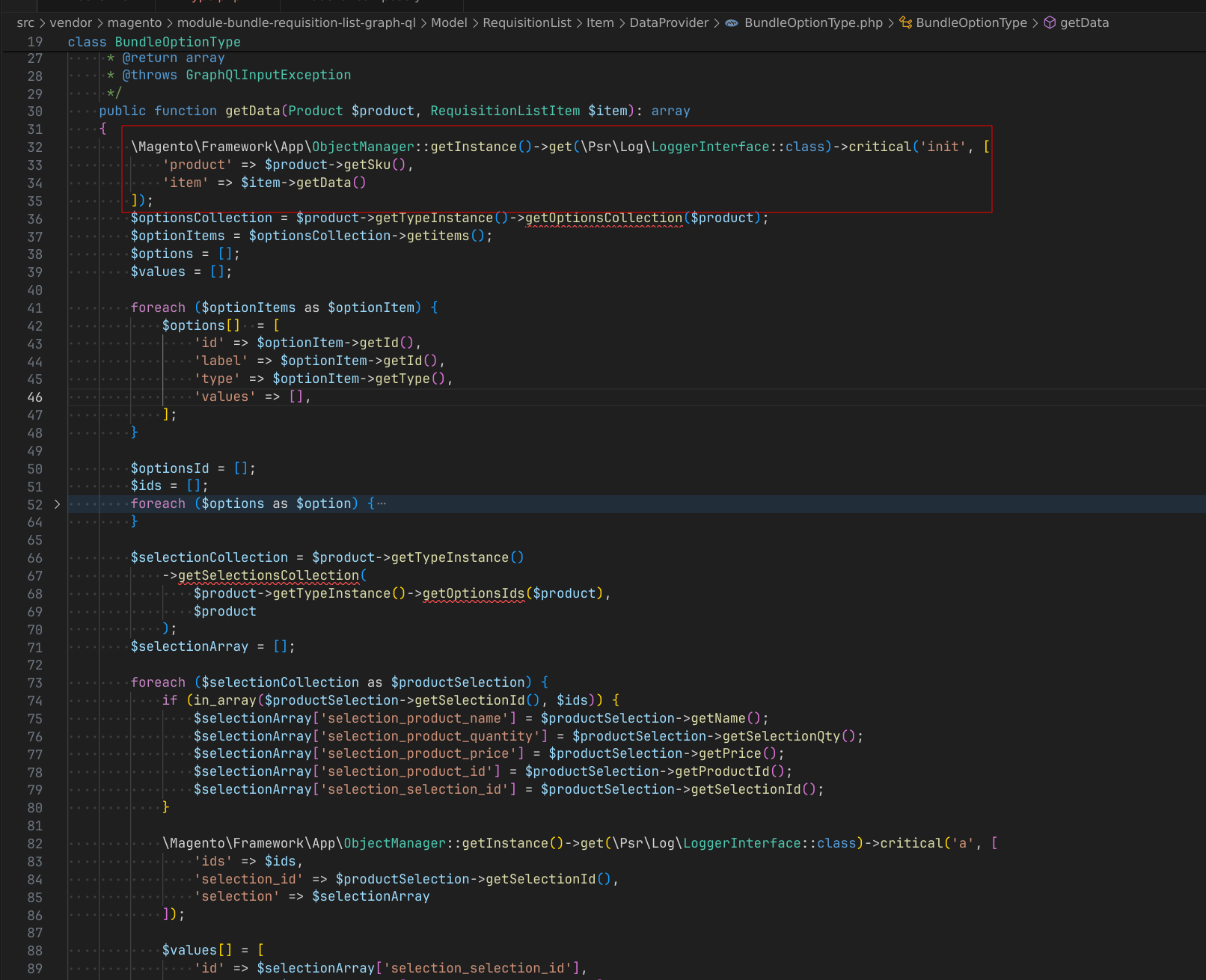
It seems to be due to some kind of mismatch between and index and its value for selected options id in the Magento resolver, as the call made natively from Magento is the same as the one made from Front-Commerce: